
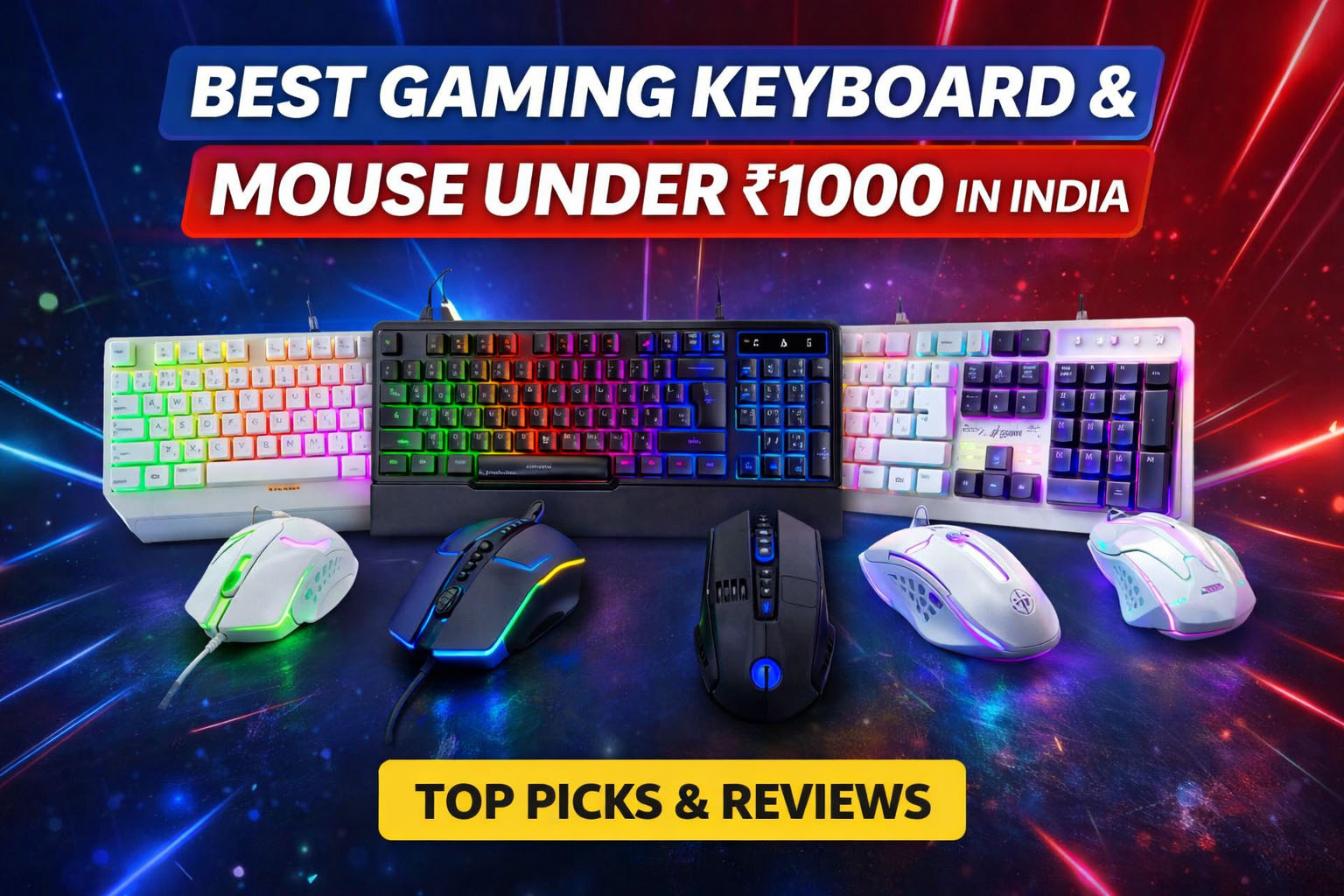
Finding a gaming keyboard and mouse under 1000 that actually works well is harder than it sounds. Most cheap combos look good in photos but feel terrible in games.
That’s why this list focuses only on high-rating, high-review products — not random RGB toys.
We analysed:
- Ratings
- Number of buyers
- Gaming usability
- Durability
- Brand trust in India
If you came from our previous budget guide, you already know how hard ultra-cheap keyboards are — see our picks for best gaming keyboard under ₹500.
Here we move one step up and get a complete setup.
Quick Comparison (Top Picks)
| Product | Key Features | Typical Price | Buy |
|---|---|---|---|
| Zebronics Optimus | RGB lighting, 3200 DPI mouse, heavy build | ₹900–₹1000 | Buy on Amazon |
| Ant Esports KM500W | Palm rest, ergonomic layout, multimedia keys | ₹950–₹1000 | Buy on Amazon |
| Ant Esports KM1410 | 25 anti-ghosting keys, 3600 DPI mouse | ₹700–₹850 | Buy on Amazon |
| Ant Esports KM1610 | Trusted budget combo, balanced performance | ₹700–₹900 | Buy on Amazon |
| Lapcare Rapido | Comfort typing, durable switches | ₹700–₹850 | Buy on Amazon |
1. Zebronics Optimus Gaming Combo — Most Popular Choice
₹900 – ₹1000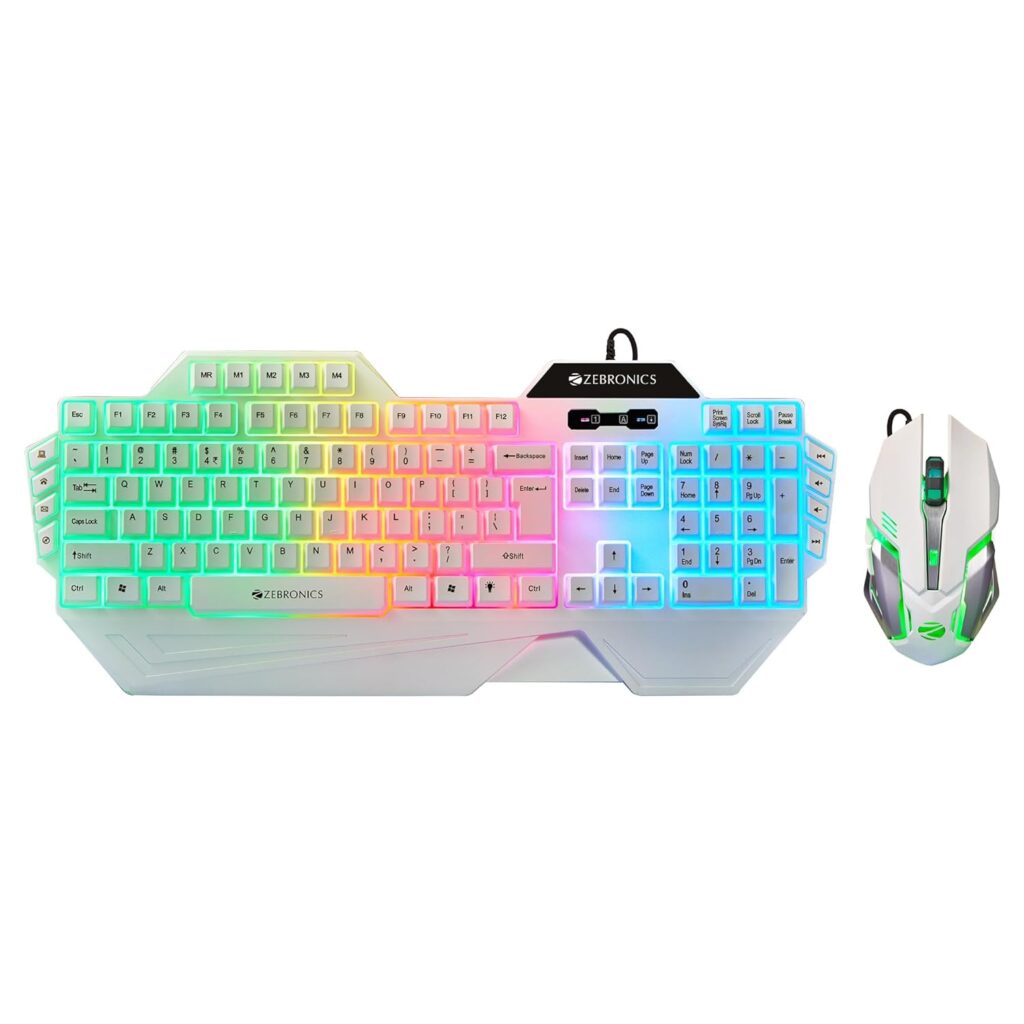
Why it stands out:
The most bought combo in this category. Thousands of users trust it.
Key Features
- RGB rainbow keyboard
- 3200 DPI gaming mouse
- Strong cable quality
- Heavy stable body
Real Usage
Good for:
- Valorant
- CS2
- Casual PUBG
- College daily use
Pros
✔ Very reliable
✔ Balanced performance
✔ Good mouse sensor
Cons
✖ Slightly loud keys
2. Ant Esports KM500W — Best Ergonomic Combo
₹950 – ₹1000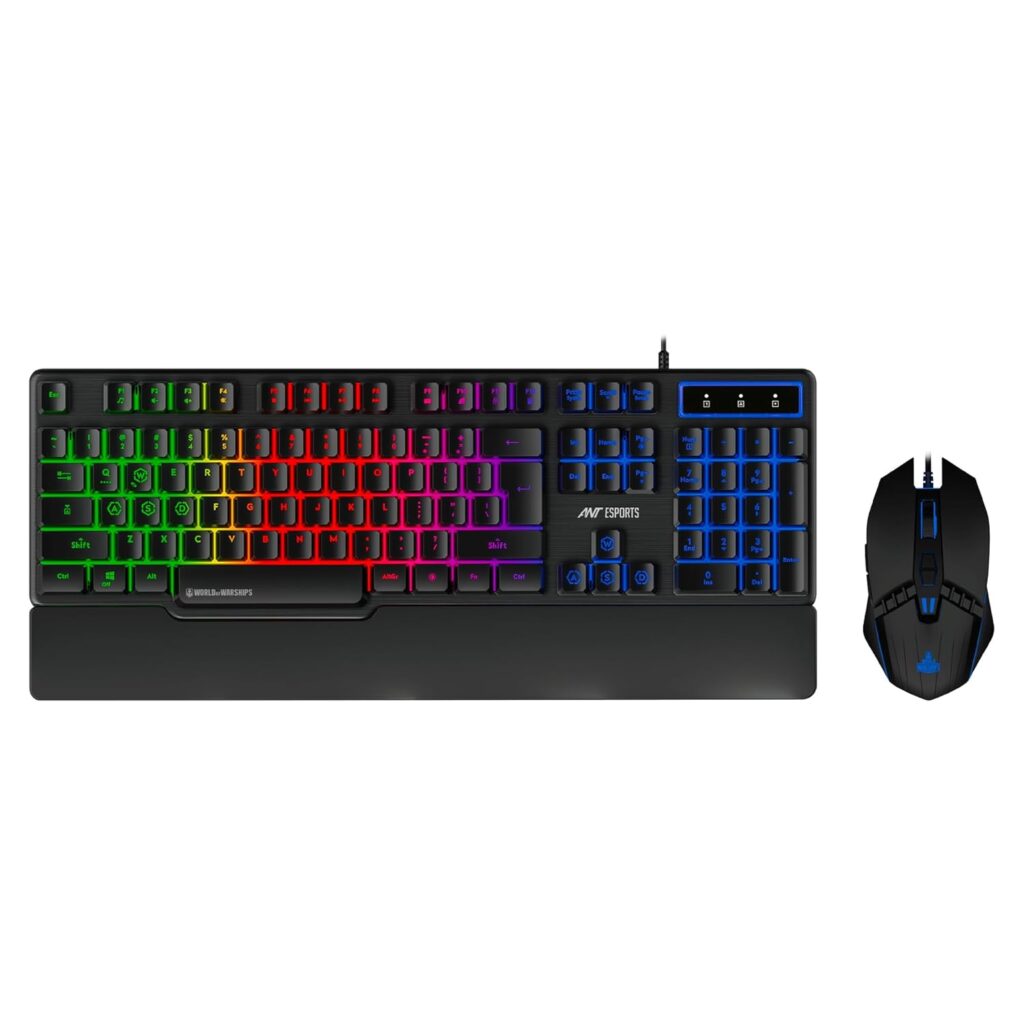
Why buy this?
If you type a lot + game occasionally, this is more comfortable.
Key Features
- Built-in palm rest
- Multimedia keys
- Comfortable spacing
- Long sessions friendly
Best For
Office + gaming hybrid setup
Pros
✔ Comfortable typing
✔ Wrist support
✔ Large layout
Cons
✖ Not fast for competitive FPS
3. Ant Esports KM1410 — Best for Gaming Performance
₹700 – ₹850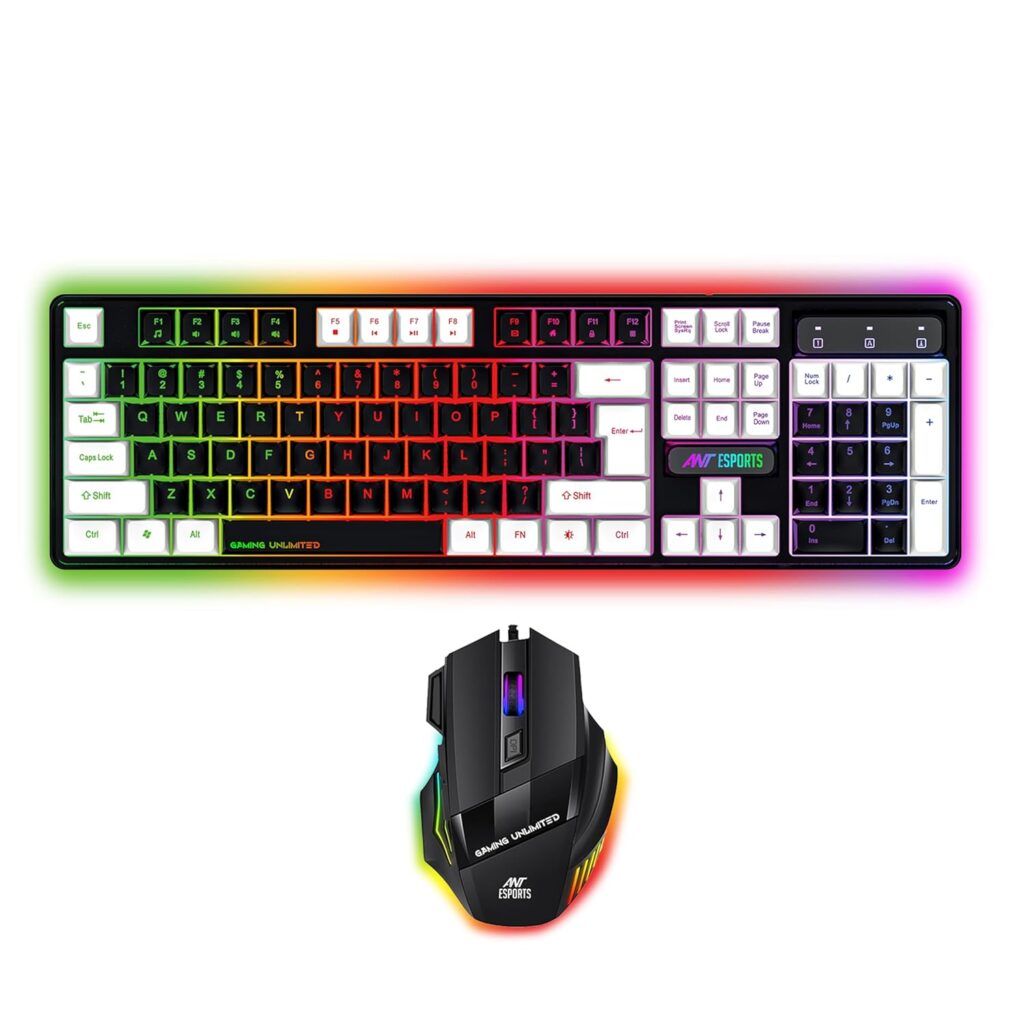
Why gamers like it
Anti-ghosting actually matters. Most cheap keyboards fail here.
Key Features
- 25 anti-ghosting keys
- 3600 DPI mouse
- Fast key response
Gaming Feel
Better movement control in FPS games.
Pros
✔ Good for competitive gaming
✔ Responsive keys
✔ Value for money
Cons
✖ Average typing comfort
4. Ant Esports KM1610 — Trusted Value Choice
₹700 – ₹900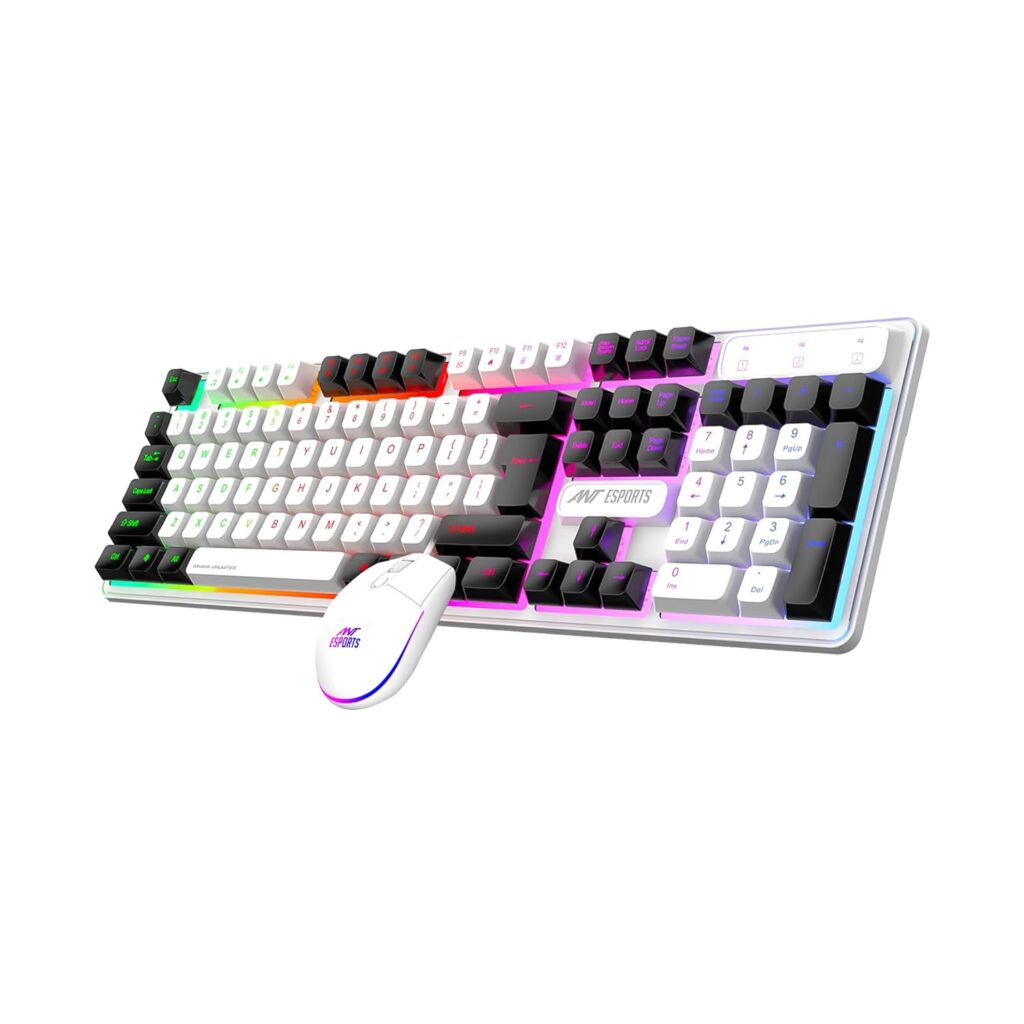
This is the safest purchase if you don’t want to think much.
Key Features
- Balanced performance
- Proven reliability
- Huge number of users
Pros
✔ Stable quality control
✔ Good everyday combo
Cons
✖ Not flashy
5. Lapcare Rapido RGB — Reliable Brand Pick
₹700 – ₹850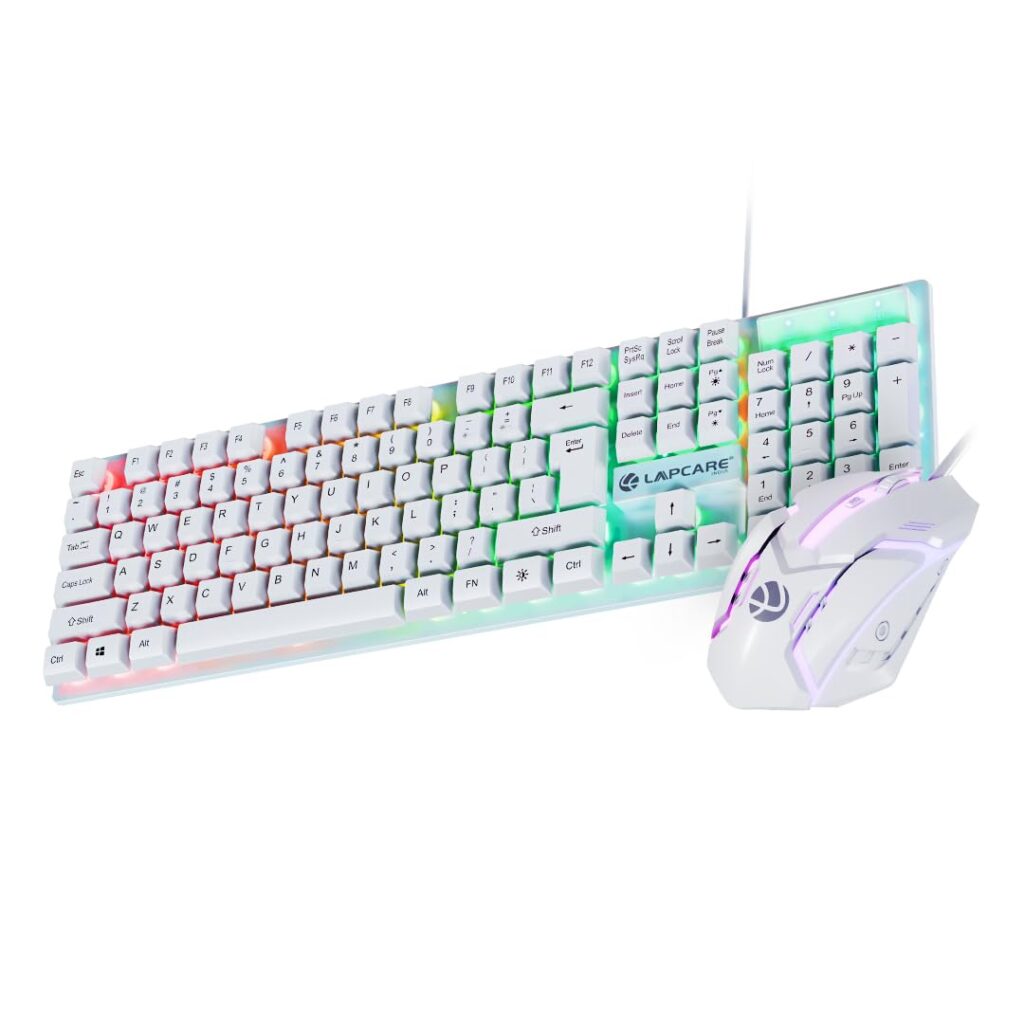
Why include this?
Known Indian brand reliability. Less risk.
Key Features
- Comfortable membrane keys
- Smooth mouse movement
- Long durability
Pros
✔ Good for students
✔ Reliable typing
Cons
✖ Average gaming speed
How to Choose a Gaming Keyboard and Mouse Under 1000
- Ignore RGB marketing
Lights ≠ performance. - Check anti-ghosting
Important for WASD movement. - Mouse DPI matters more
Aim control comes from mouse. - Brand reliability beats features
Cheap unknown brands fail fast.
If you later upgrade only the keyboard, see [gaming keyboards under ₹1000 – paste link here].
Honest Pros & Cons of Budget Combos
Pros
✔ Full setup in low budget
✔ Enough for beginners
✔ Better than laptop keyboard
Cons
✖ Not esports level
✖ Limited durability vs premium
✖ Membrane feel
Final Verdict
Best Overall: Zebronics Optimus
Best Comfort: Ant Esports KM500W
Best Gaming: Ant Esports KM1410
Safest Buy: Ant Esports KM1610
Reliable Budget: Lapcare Rapido
If you are starting gaming, buy Zebronics Optimus.
If you play FPS seriously, choose KM1410.
FAQs
Yes for beginners. Not for competitive esports.
No. Sensor + anti-ghosting matters.
Yes on KM1410 or Optimus.





0 Comments